
































































Overview
Using VoucherCart with WooCommerce
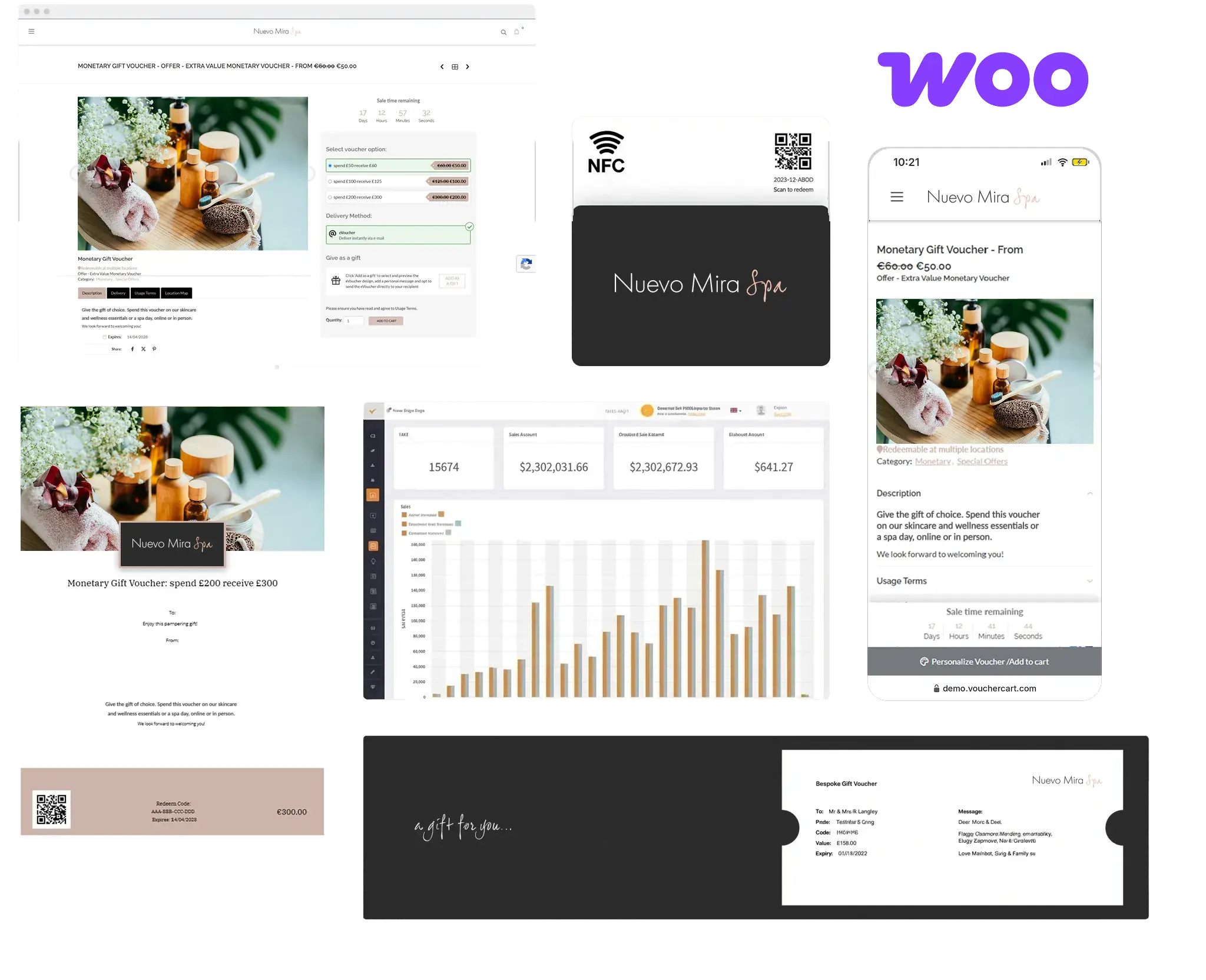
Redeem gift cards and vouchers directly at your WooCommerce checkout, with every balance managed centrally and kept in sync across all your sales channels.
WooCommerce is a flexible, open-source eCommerce platform built on WordPress, giving businesses complete control over their online store – from product catalogue and checkout to payments and fulfilment.
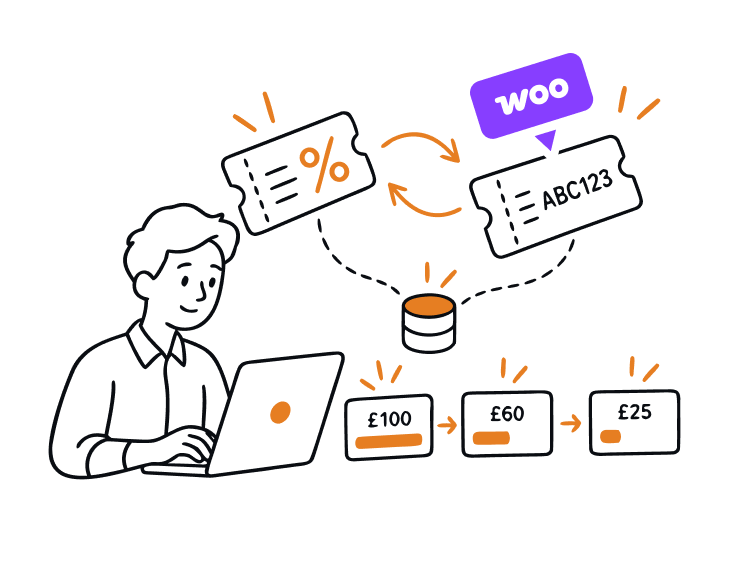
VoucherCart integrates with WooCommerce so that each time a compatible VoucherCart voucher is purchased, a matching coupon is created in your WooCommerce store automatically, using the same code your recipient receives. Customers simply enter their code at checkout, and the voucher value is taken off their order total.
Integration Benefits
Get the Most From Your Integration
1. Revenue Growth
Extend where your gift cards and vouchers can be spent. Compatible VoucherCart vouchers become redeemable on your WooCommerce store, adding an online redemption channel that brings voucher holders into your eCommerce range.
2. Acquisition & Retention
Introduce gift recipients to your online store and give them reasons to return. With Multiple Use/Redeem vouchers, customers can spend their balance across several orders until the voucher is fully redeemed.
3. Operational Efficiency
Reduce manual admin for your team. A matching WooCommerce coupon is created automatically when a compatible voucher is purchased, using the same code as the voucher. VoucherCart manages every balance centrally, and each coupon always reflects the voucher's current balance, wherever it was redeemed.


Getting Started
How to Get Started
Prerequisites
- A VoucherCart account with an active subscription plan and administration permissions
- A WordPress site with WooCommerce installed and active
- Admin access to your WordPress site, to install the VoucherCart plugin
Documentation
User Guides and Tutorials
See how to connect WooCommerce to VoucherCart and how your gift cards and vouchers are redeemed at online checkout with our step-by-step help article.
Enquire Now
Speak to Our Team
Find out how the WooCommerce integration can work for your business. Our team can answer your questions, talk you through setup, and help you choose the right voucher configuration for your online store.
FAQs
Frequently Asked Questions
The WooCommerce integration connects your VoucherCart account to your WooCommerce store. When a compatible voucher is purchased, VoucherCart automatically creates a matching coupon in WooCommerce, so the recipient can redeem it on your online store.
It makes your WooCommerce store a redemption channel for compatible VoucherCart vouchers, introduces gift recipients to your online store, and lets customers return to spend Multiple Use/Redeem balances across several orders. Coupons are created automatically and balances are managed centrally in VoucherCart, reducing manual admin for your team.
You’ll need a VoucherCart account with an active subscription and administration permissions, a WordPress site with WooCommerce installed and active, and admin access to WordPress to install the VoucherCart plugin.
Install and activate the VoucherCart plugin from Plugins → Add New Plugin in WordPress. Open Connection Management in the plugin and copy your Website URL and API secret. Then, in your VoucherCart dashboard, go to Integrations, select Connect next to WooCommerce, paste in both details and select Connect.
Flexible Monetary and Monetary (with options) vouchers are supported, in both Single Use and Multiple Use/Redeem formats.
Yes. The coupon created in WooCommerce uses exactly the same code your recipient receives with their voucher.
Yes. VoucherCart manages every voucher balance centrally. Redemptions in WooCommerce update the balance in VoucherCart, and the WooCommerce coupon always reflects the current balance, wherever the voucher was redeemed.
Yes, if the voucher is set up as Multiple Use/Redeem. Customers can apply the code across several orders until the voucher is fully redeemed.