





























































Overview
Using VoucherCart with Phorest
Automatically sync gift voucher sales, redemptions, and client data — connecting VoucherCart with Phorest, a leading business management and booking platform for salons and spas.
Phorest gives salon and spa businesses a single platform for bookings, client management, and point-of-sale. VoucherCart integrates with Phorest to keep your prepaid voucher program fully in sync: vouchers purchased or issued in VoucherCart are automatically created in Phorest, and redemptions sync in both directions.
Phorest-compatible vouchers include two types — Flexible Monetary, which are MultiUse, and Monetary (with Options), which can be set up as Multi-Use or Single-Use. Clients can use them as payment in your spa or salon, or when booking online. If a buyer or recipient’s email doesn’t already exist as a Phorest client, a new client record is created automatically.
Integration Benefits
Get the Most From Your Integration
1. Revenue Growth
Extend your prepaid voucher and gift card program into key client touchpoints Phorest manages — from in-venue payments to online booking deposits — helping drive voucher usage, incremental spend, and repeat visits.
2. Acquisition & Retention
Automatically create client records for new voucher buyers and recipients, keeping your client data consistent and ready for marketing and retention efforts.
3. Operational Efficiency
Remove manual data entry with automatic two-way sync of voucher sales and redemptions between VoucherCart and Phorest.



Connected Online Retail
One Gift Card, More Ways to Spend
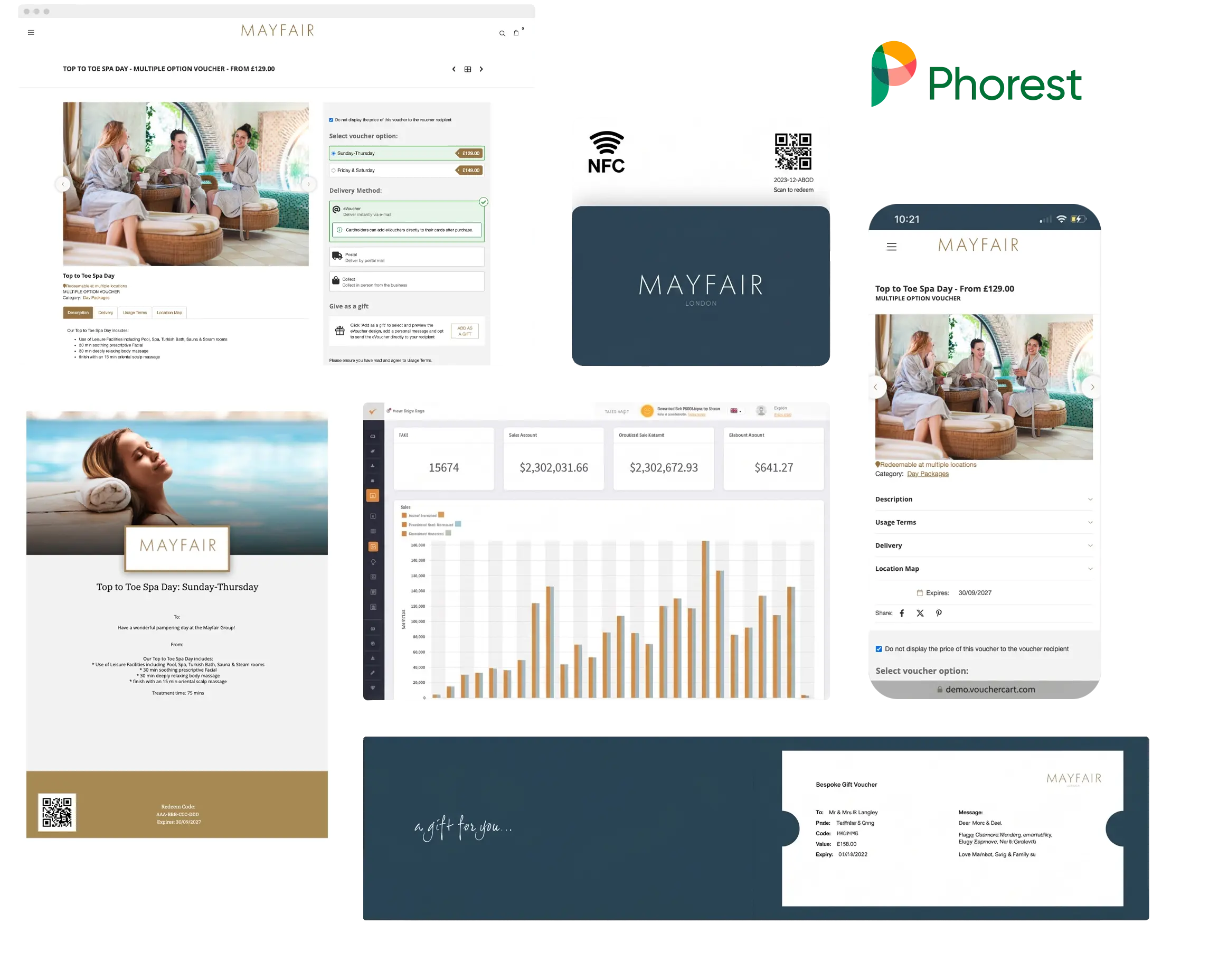
Extend your salon or spa experience beyond the appointment. Connect VoucherCart with Phorest and your Shopify or WooCommerce store, and clients can use one Phorest-compatible Multi-Use gift card for treatments in person and retail products online, with the balance kept up to date across every connected system.
Getting Started
How to Get Started
Prerequisites
First, contact VoucherCart Support to let us know you’d like to set up the Phorest integration.
You’ll then need the following credentials from the Phorest support team:
- Business ID
- API Username
- API Password
Connection Steps
- Navigate to the Integrations page in your VoucherCart Account Dashboard and click Connect, then Connect Integration.
- Enter your Phorest credentials.
- Select the branch that will record your gift card and voucher sales.
Documentation
User Guides
Visit the help centre for how to connect and use the Phorest integration – including how to search for a voucher by client name or serial number, how to redeem in Phorest, and links to Phorest’s guides on using multiple gift cards or vouchers in a single sale and paying for online bookings.
Request a demo
Book a Demo with VoucherCart
Get a walkthrough of how Phorest and VoucherCart's gift card and voucher technology platform is used by salon and spa businesses.
FAQs
Frequently Asked Questions
The Phorest integration automatically creates vouchers sold through VoucherCart in Phorest, together with buyer and recipient details. Your team can find and redeem vouchers directly in Phorest, while two-way data sync on Phorest-compatible vouchers keeps balances accurate and up-to-date.
- Drive prepaid revenue by letting clients redeem easily in-person and online
- Turn new voucher buyers and recipients into Phorest client records for re-booking and targeted marketing campaigns
- Streamline operations for your front desk team with less admin and no switching systems
First, let VoucherCart Support know you’d like to set up the integration so we can enable it on your account. You’ll then need your Business ID, API Username and API Password from Phorest Support.
Once you’ve acquired your credentials, you can connect Phorest in the Integrations section of your VoucherCart Account Dashboard.
The integration supports two voucher types: Flexible Monetary (Multiple Use/Redeem), and Monetary (with options), which can be configured as either Multiple Use/Redeem or Single Use.
If you have Product vouchers you would like to redeem in Phorest, you can set these up as Single-Use Monetary (with Options) vouchers instead. Our Support team is happy to help.
In Phorest, go to Manager > Vouchers to find all vouchers synced from VoucherCart. You can search by client name or by serial (voucher code). Clicking a voucher opens its details page, where the Notes section shows the voucher’s title, order reference, description and usage terms.
Yes. If a buyer’s or recipient’s email doesn’t already exist in Phorest, a new client record is created automatically. You can find them in Clients by searching by first name, last name or email address.
Yes. Clients can use VoucherCart vouchers and gift cards when booking online with your Phorest salon or spa, including to cover a deposit.
Yes. By connecting VoucherCart with Phorest and your Shopify or WooCommerce store, clients can use compatible gift cards across both. With Flexible Monetary vouchers, or Monetary (with Options) vouchers set to Multi-Use, clients can spend part of the value in Phorest and use the remaining balance online, or the other way round. Our team can help you choose the right voucher settings and connect your systems.